Step-by-Step Instructions
1. Visit the home page and click the Client Login Button.

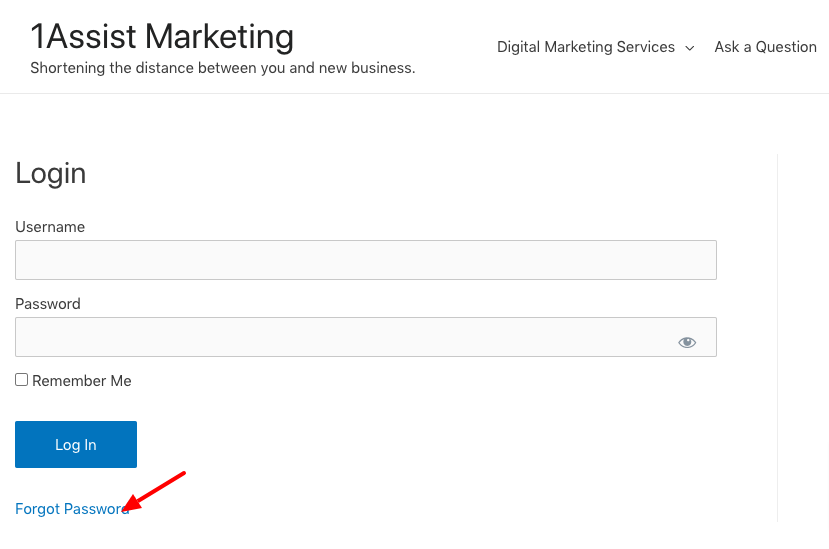
2. Click the link that says, “Forgot Password.”
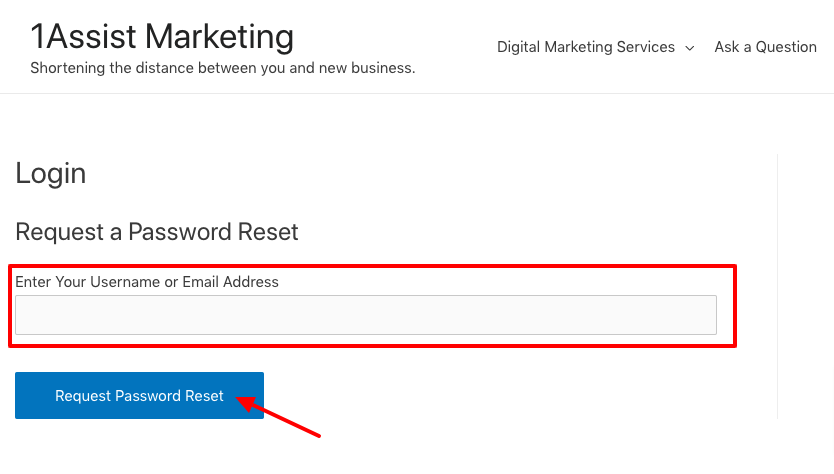
3. Enter your email address and click the button.
You will see a message confirming that a link was sent to your email.
Successfully requested password reset
Please click on the confirmation link that was just sent to your email address.
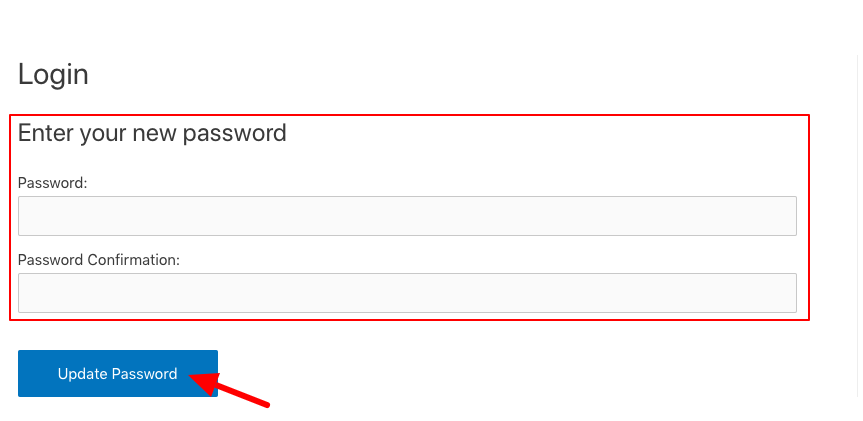
4. Next, check your email for a message containing a link to change your password. Enter your new password and confirm it. Then click the “Update Password” button.
5. Now you can log in with your new password.